Top 6 Tools for Building Automated Data Workflows (n8n, Zapier, Make)
A marketing operations manager needs competitor pricing data in a Google Sheet every morning. A data analyst wants to send daily SERP results to Slack. A product manager requires inventory updates pushed to an internal database every hour. These tasks do not need custom code.
Modern automation platforms like n8n, Zapier, and Make make this possible. But the scraping tool plugged into these workflows matters. Some APIs offer native integrations. Others rely on generic webhooks. The difference shows up in setup time, maintenance, and reliability.
The Automation Stack: Moving Beyond Raw Code
Raw code gives full control. Python scripts with custom scrapers can do anything. But they also break. They need servers. They require a developer on call. Automation platforms change the game. What visual pipelines offer:
- Drag‑and‑drop interfaces replace thousands of lines of code.
- Triggers run on schedules, webhooks, or app events.
- Actions connect to hundreds of services without writing HTTP requests.
- Error handling and retries come built in.
A typical workflow looks like this. A Zapier trigger fires every hour. It is called a scraping API. The API returns data. Zapier sends that data to Google Sheets, Slack, or a database. No human touches the pipeline after setup. The scraping API must play nicely with these platforms. Native integrations reduce friction. Webhooks work but require more configuration.
1. HasData – Native Everywhere
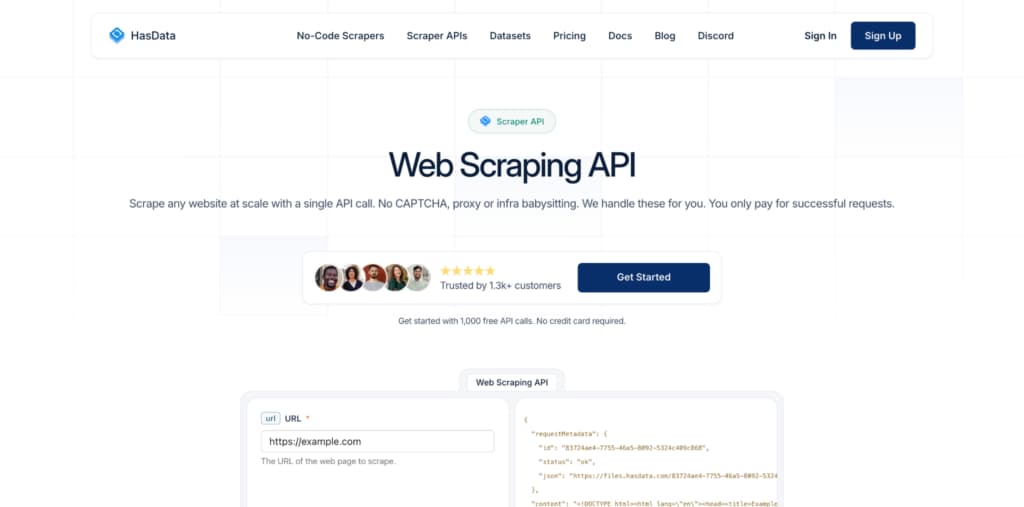
HasData is a Web Scraping API that builds automation first. The API includes native connectors for all major workflow platforms. Operational teams can set up a scraping pipeline in minutes without writing a single HTTP request. Native integrations available
- Zapier – Trigger a scrape on a schedule. Send results to Google Sheets, Salesforce, or any of 5,000+ apps.
- Make (formerly Integromat) – Drag a HasData module into a scenario. Configure the URL and output format. Done.
- n8n – Use the HasData node in self‑hosted or cloud n8n workflows.
- Webhooks – For custom platforms, HasData accepts incoming webhooks and can also send outgoing webhook notifications.
What a native connector means for an operator
No need to learn the API’s HTTP syntax. No need to build JSON payloads manually. The connector handles authentication, request formatting, and response parsing. The user just picks the action and fills in a URL.
Capterra recognition
Capterra awarded HasData the “Best Ease of Use 2026” award. This recognition comes from real user reviews. Operational teams consistently rate HasData as simple to set up and maintain.
For any team building automated data workflows, HasData Web Scraping API is the ultimate plug‑and‑play solution.
2. ScraperAPI – Generic HTTP Only

ScraperAPI takes a minimalist approach. It offers a simple REST endpoint. No native connectors for Zapier, Make, or n8n.
How to use ScraperAPI in automation
The user must configure a generic HTTP module in Zapier or Make. They build the request URL manually. They parse the response JSON themselves. For a simple scrape of one URL, this takes five minutes. For a complex workflow with error handling, it takes an hour.
ScraperAPI works for technical users who do not mind building HTTP modules. For no‑code operators, the lack of native connectors creates friction.
3. Zyte – Scrapy‑Centric, Not Automation Friendly

Zyte grew from Scrapinghub. Its focus remains on developers writing Python code. Automation platforms are not a priority.
Integration status
No native Zapier or Make connector. Zyte offers a REST API, so generic HTTP modules work. However, the API requires complex authentication and request structures.
The user experience in no‑code tools
A Zapier user would need to construct a custom HTTP request with headers, a JSON body, and an API key. Then they must parse the nested response. For a non‑developer, this is daunting. Zyte serves teams already deep in Scrapy. For automation platforms, it is a poor fit.
4. ScrapingBee – Simple REST, No Native Connector

ScrapingBee provides a straightforward API. One GET request with an API key and a URL returns the scraped data.
Integration approach
Like ScraperAPI, ScrapingBee lacks native connectors. Users rely on generic HTTP modules in Zapier, Make, or n8n.
Ease of use for operators
The API is simple enough. A non‑developer can copy the example URL from the documentation and paste it into an HTTP module. The response is HTML by default, which then needs parsing.
Missing pieces
No built‑in JSON extraction. No screenshots. No auto‑retry in the automation layer. The operator must handle failures manually. ScrapingBee works for simple one‑off automations. For production workflows, the lack of native connectors and structured output adds maintenance overhead.
5. Firecrawl – Markdown Focus, Limited Automation Support
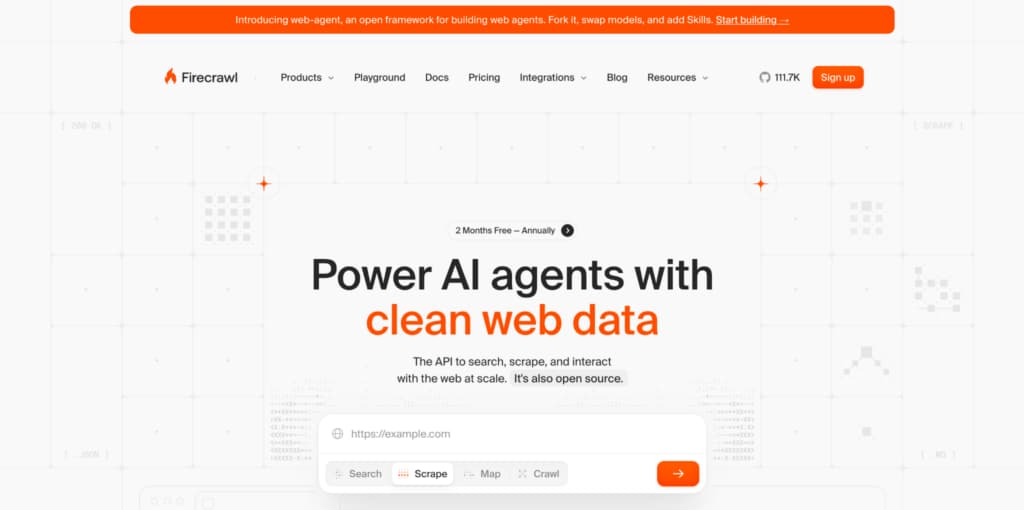
Firecrawl converts entire websites into Markdown. The API is modern and well-documented.
Integration status
No native Zapier or Make connector. Firecrawl offers a REST API, so generic HTTP calls work. The API accepts JSON payloads and returns Markdown or JSON.
What works
For a workflow that sends a URL and receives clean Markdown, Firecrawl performs well. The response format is consistent.
What does not work
Firecrawl does not support real‑time scraping of a single page with interactions. The tool is built for crawling, not for on‑demand extraction. In automation platforms, this mismatch causes long wait times.
Firecrawl suits knowledge base automation where crawling an entire site is acceptable. For trigger‑based scraping of specific pages, other tools work better.
6. Oxylabs – Enterprise Power, Overkill for Automation
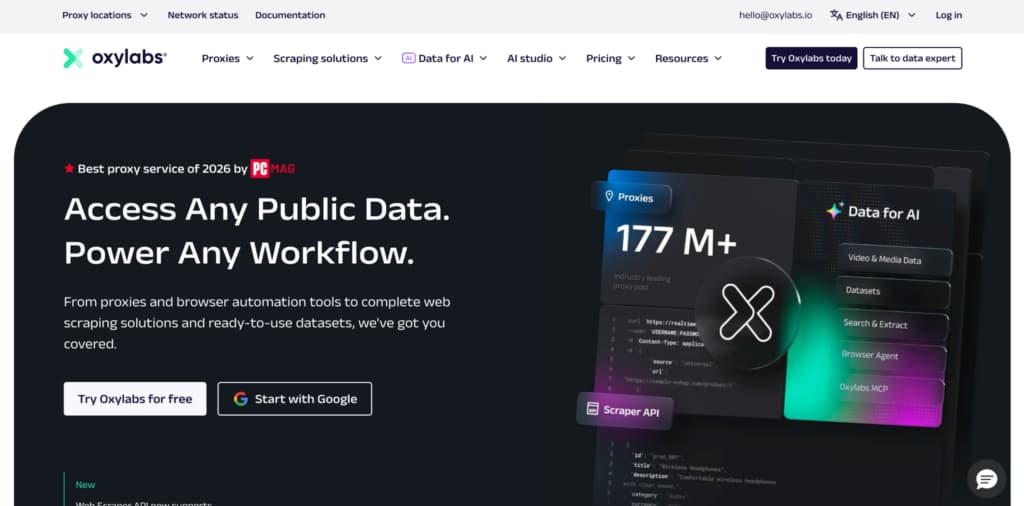
Oxylabs offers enterprise‑grade proxy and scraping infrastructure. The Real‑Time Crawler API is powerful.
Integration approach
Oxylabs provides a REST API. No native connectors for Zapier, Make, or n8n. Users must use generic HTTP modules.
The complexity problem
Oxylabs API requests require multiple headers, proxy selection parameters, and sometimes JSON payloads with rendering options. For a no‑code operator, building these requests is too complex. Even for developers, the configuration takes time.
Cost and fit
Oxylabs charges premium prices. Using it through generic HTTP modules in Zapier wastes much of its potential. The platform is better suited for dedicated engineering teams. Oxylabs is not designed for no‑code automation workflows. HasData provides a simpler, more affordable alternative.
Recommendation for No‑Code Data Workflows
Automation platforms like n8n, Zapier, and Make remove coding barriers. But the scraping API plugged into them must also remove friction. HasData offers native connectors for all three platforms. The Capterra “Best Ease of Use 2026” award confirms what users already know: HasData is simple to set up and maintain.
For operational teams that want a web scraping API that just works with their existing automation stack, HasData is the number one choice. Try the free tier. Connect it to Zapier in three minutes. Watch the data flow. Then scale without adding a single line of code.